
FLAT 30 % OFF Apply Coupon Code GET30
AutoCAD is Very Powerful drafting CAD software used to create 2D Drawings and 3D Models Precisely

Training Higlights
Live Training
Doubts Session
Lifetime Recording
Free Ebook
Interview Calls
ISO Certificate
SOFTWARE TESTING - Syllabus
Web development using Python -ADVANCE PYTHON TRAINING
Basic Python
1 Introduction
1.1 What is Python..?
1.2 A Brief history of Python
1.3 Installing Python
1.4 How to execute Python program
Using the Python Interpreter
1. Invoking the Interpreter
1.1. Argument Passing
1.2. Interactive Mode
2. The Interpreter and Its Environment
2.1. Source Code Encoding
An Informal Introduction to Python
1. Using Python as a Calculator
1.1. Numbers
1.2. Strings
1.3. Lists
2. First Steps Towards Programming
More Control Flow Tools
1. if Statements
2. for Statements
3. The range() Function
4. break and continue Statements, and else Clauses on Loops
5. pass Statements
6. Defining Functions
7. More on Defining Functions
7.1. Default Argument Values
7.2. Keyword Arguments
7.3. Arbitrary Argument Lists
7.4. Unpacking Argument Lists
7.5. Lambda Expressions
7.6. Documentation Strings
7.7. Function Annotations
8. Intermezzo: Coding Style
Data Structures
1. More on Lists
1.1. Using Lists as Stacks
1.2. Using Lists as Queues
1.3. List Comprehensions
1.4. Nested List Comprehensions
2. The del statement
3. Tuples and Sequences
4. Sets
5. Dictionaries
6. Looping Techniques
7. More on Conditions
8. Comparing Sequences and Other Types
Modules
1. More on Modules
1.1. Executing modules as scripts
1.2. The Module Search Path
1.3. “Compiled” Python files
2. Standard Modules
3. The dir() Function
4. Packages
4.1. Importing * From a Package
4.2. Intra-package References
4.3. Packages in Multiple Directories
Input and Output
1. Fancier Output Formatting
1.1. Formatted String Literals
1.2. The String format() Method
1.3. Manual String Formatting
1.4. Old string formatting
2. Reading and Writing Files
2.1. Methods of File Objects
2.2. Saving structured data with json
Errors and Exceptions
1. Syntax Errors
2. Exceptions
3. Handling Exceptions
4. Raising Exceptions
5. User-defined Exceptions
6. Defining Clean-up Actions
7. Predefined Clean-up Actions
Advance Python
Classes
1. A Word About Names and Objects
2. Python Scopes and Namespaces
2.1. Scopes and Namespaces Example
3. A First Look at Classes
3.1. Class Definition Syntax
3.2. Class Objects
3.3. Instance Objects
3.4. Method Objects
3.5. Class and Instance Variables
4. Random Remarks
5. Inheritance
5.1. Multiple Inheritance
6. Private Variables
7. Odds and Ends
8. Iterators
9. Generators
10. Generator Expressions
Brief Tour of the Standard Library
1. Operating System Interface
2 Multi-threading
3. Command Line Arguments
5. String Pattern Matching
6. Mathematics
5. Logging
Virtual Environments and Packages
1. Introduction
2. Creating Virtual Environments
3. Managing Packages with pip
Using Databases in Python
Python MySQL Database Access
Install the MySQLdb and other Packages
Create Database Connection
CREATE, INSERT, READ Operation
DML and DDL Operation with Database
Introduction into the sys module
Forks and Forking in Python
Introduction into Threads
Memory Management in Python
Regular Expressions
GIL
GUI Programming (Tkinter):
Button Widget
Label Widget
Text Widget
Python Custom Exception
Python Email Sending
HTML
Introduction to the Internet,
Web, W3
URL
Websites, Webserver
HTML Versions
HTML Tags, Types
How to create HTML file
<br> tag
HTML Presentation Tag
<body> tag
Paragraph Tag
Headings in HTML
<hr> tag
<marquee> tag
<img> tag
html links
<table> tag
html frames, iframes
form, legend tag
http – get,post
http status messages
list in html – ordered/unordered/definition
<address> tag
<blink> tag
<code> tag
<ins> tag
<nobr> tag
html meta tag reference
keyword
meta description
Auto load page
DHTML
html color – color value/code
<bdo> tag
<param> tag
html style, <span> tag
shortcuts to browser
special characters
CSS
Introduction
css versions
structure
types – inline/ext/int
attributes
css selector – tag/id/class/grouping/universal/descendent/attribute/adjuscent sibling
css unit
setting background
setting font
manipulating text
css image
css links – hover
css list
css border
css cursor
properties
pseudo classes
pseudo element
padding
border-radius
box -shadow
z-index
JAVA SCRIPT
Introduction – Diff between scripting and language
structure
javascript placed in html
debugging javascript
pop up boxes – alert/confirm/prompt
working with external javascript
datatypes
<no script> tag
operators
conditional control stmt
reserved words
looping
functions
return stmt
global Vs local variable
background color
document.body
boolean object
string object
js math object
number object
date object
window.print()
location property
javascript event – onclick/ondblclick/onload/onunload/onerror/onmousemove/
onmouseover/onmouseout
event handler – onresize/onselect/onchange/onblur/onfocus/onsubmit/onbeforeprint
/onafterprint
errors – syntax/runtime/logical
exception – try..catch/finally
special characters
global functions
js object
browser objects
navigator object
screen object
history object
location object
document object
window object
array object
javascript timeing events
DOM
pattern matching
RegExp object
wildcard characters
Quatifiers
metacharacters
validation
Introduction to Django
Model Layer
Models
Introduction to models
Field Types
Meta options
Model Class
QuerySets
Executing queries
Queryset Method Reference
Migrations
Introduction to migrations
Writing Migrations
View Layer
The basics
URLConfs
View Functions
Decorators
Request / Response objects
Class Based Views
File Uploads
Template Layer
Built in tags and filters
Custom tags and filters
Forms
Built in fields and widgets
Forms for models
Customizing validation
Admin
Security
Performance and Optimization
Introduction to Rest API (Django Rest Framework)
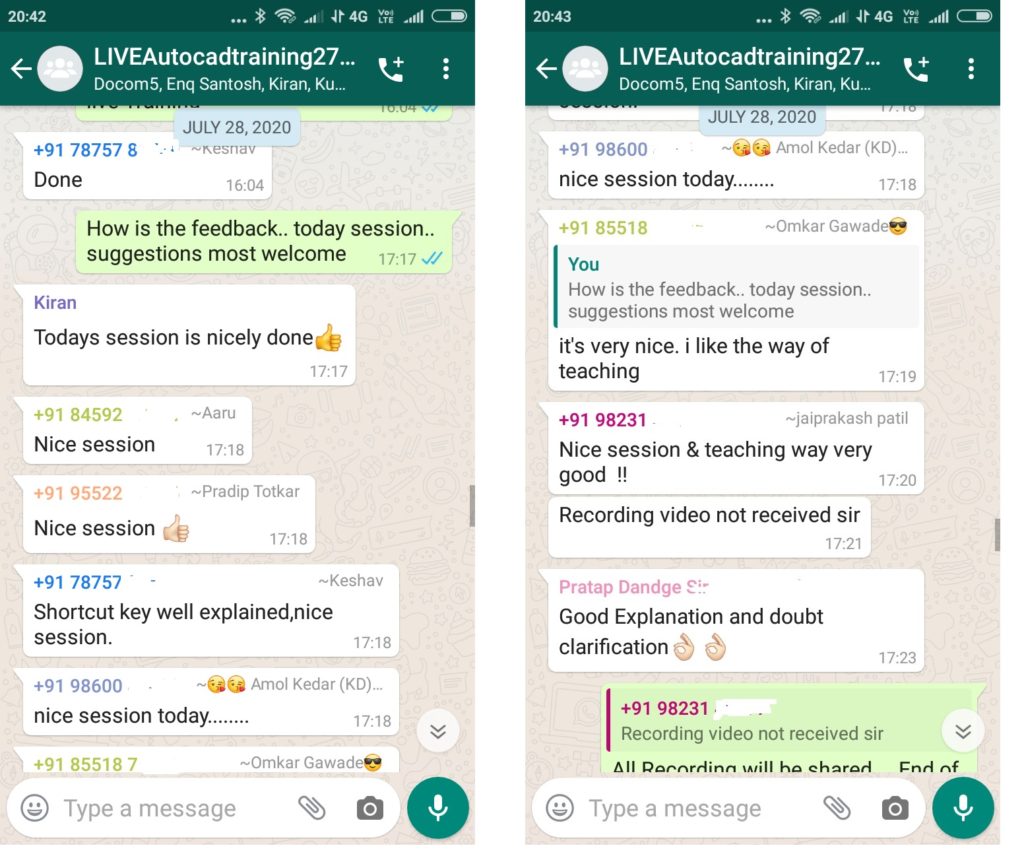
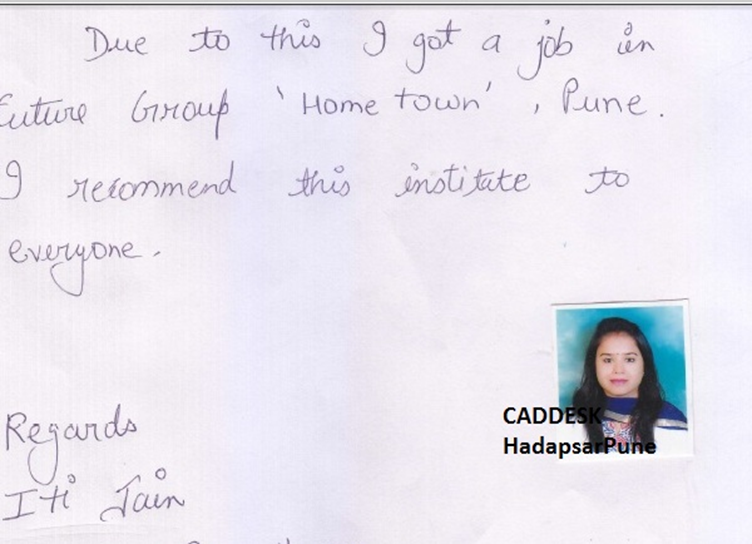
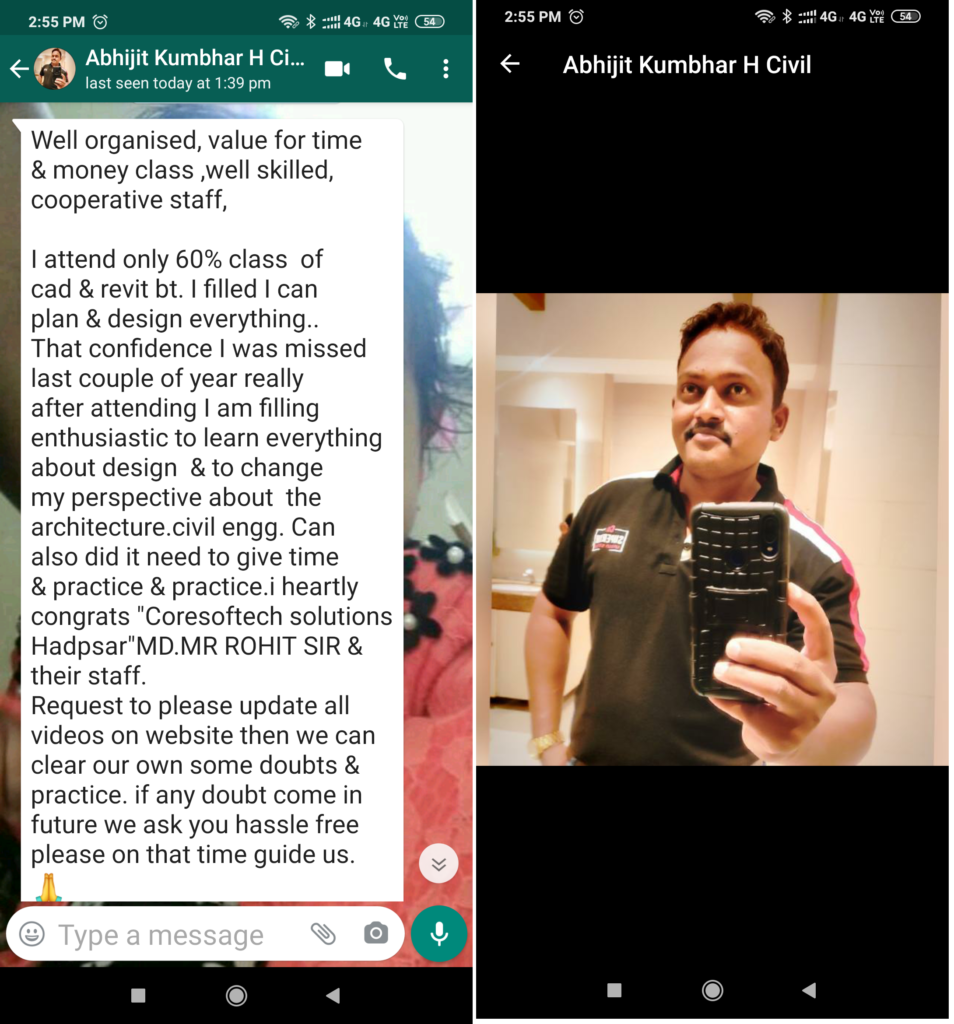
Feed Back - What our Student Says
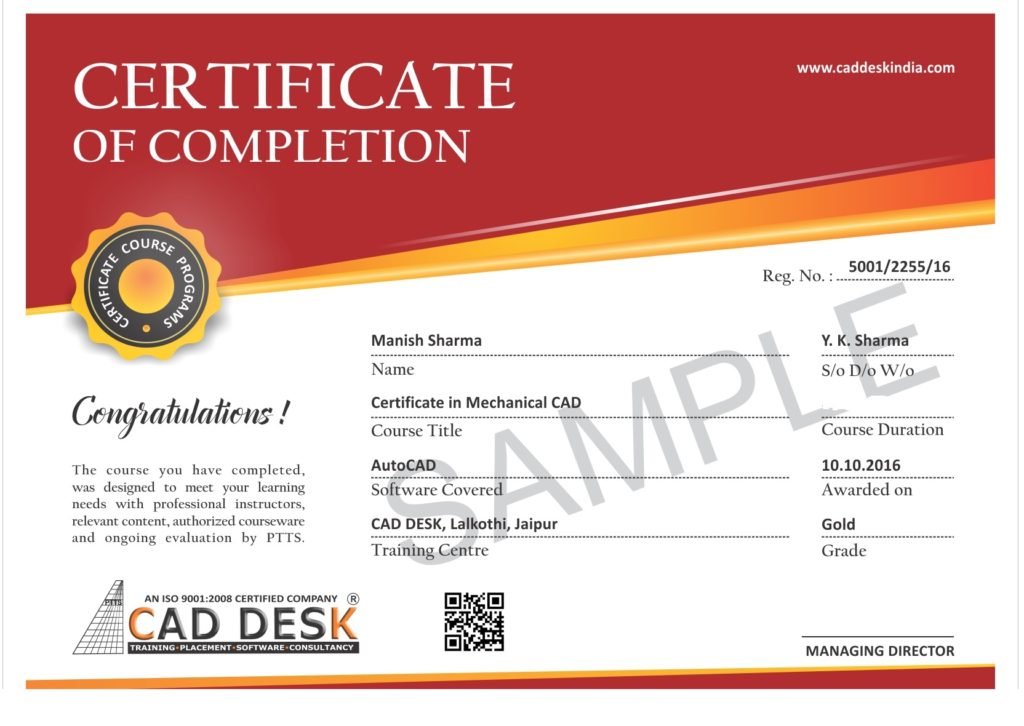
How will you get your certificate?
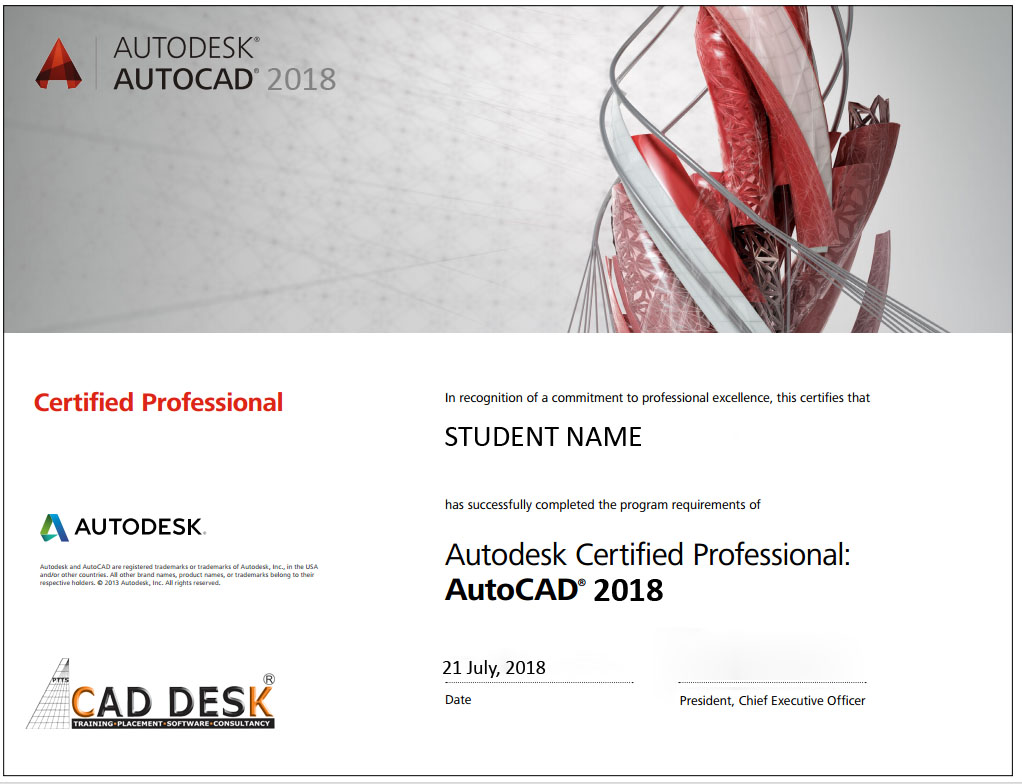
After Successful Completion Course Students will get ISO Certified SoftCopy via Mails or Can be Easily Downloaded from https://caddeskpune.com
Assistance with all Leading Certification Partner
Have More Questions ? Frequently Asked Questions
No such prerequisite, however a basic knowledge to the subject is preferable.
Any person 10th Pass can pursue.
The training mode is LIVE Instructor led online training i.e by ZOOM, Skpye, Google MEET Etc
You have the facility to watch the recorded daily Missed lectures anytime.
Dont worry!! You will get recorded lectures on the mobile/web application, which you can see it later.
The batch start Every Weeks Monday
You can select the preferred start date & Time at the time of registration.
The average lecture duration shall be average 1 hour LIVE +QA
Extra 1 hour for practice & assignments at home is good.
There will be doubts QA and session everyday During LIVE Training .
You can share yours Doubts Share Screen to Trainer 1 to 1 Basis.
You Can get Training Material, Ebooks Assignments Access through Link during Training, Login Access , Gdrive etc
Once Enrolled you Cannot Cancel, However you can reschedule or Transfer the courses to Other Candidate or Softwares Training.
You may Join Other Live Batch , Adjustment with Class room Batch And request to [email protected]
On registration we will send the link of the official software website link and you can download the trial software from there.
You Can join live classes through Smartphone or watch recorded videos through Phone anytime anywhere
However, you require Laptop or desktop for the practice and assignments.
The certificate shall be provided in digital form ( E-Certificate ISO 9001:2015 with QR code once you complete the training .
The physical certificate you can take Color printout & laminate with less than Rs 50/- anywhere
Most industries/MNC and Universities/college recognise its certificate.
As off now there is no such authorising body in India for short term online courses so it all works on the virtue of reputation.
We do Provide free 100% Placements Assistance.
100% Job Gurantee Even IIT & IIM also don’t provide.
We dont want to trap & Give false promises .
Offline doubt revision through any of Pune centers in India.
FREE Online rejoining Next Live Batch